On this page, you will learn more about the Devices section. Here, you'll find Device Refreshers that offer clear, step-by-step guidance on using various medical devices. These refresher include detailed images, and access to manufacturer user manuals, helping you quickly review device usage, wether you're preparing for a procedure or need a quick refresher just before using a device.
Curated by Incision, the information you find here is based on information from the manufacturers, which may differ from your hospital’s practices.
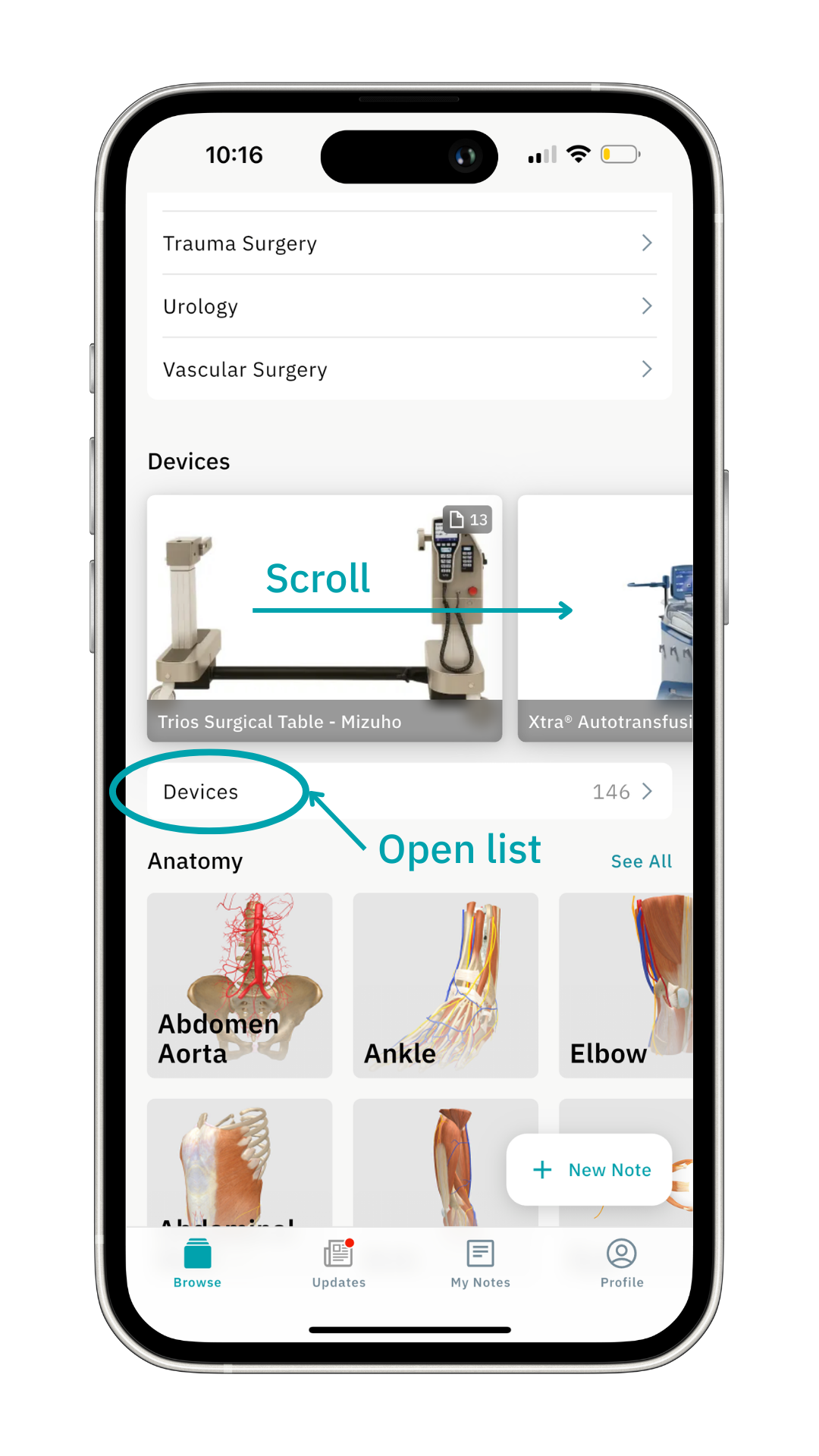
You can find the Devices section below the Specialties section on the Browse page. You can scroll through the devices or click on Devices for a comprehensive list.
 As an example, let’s click on the Da Vinci Xi - Intuitive Surgical device.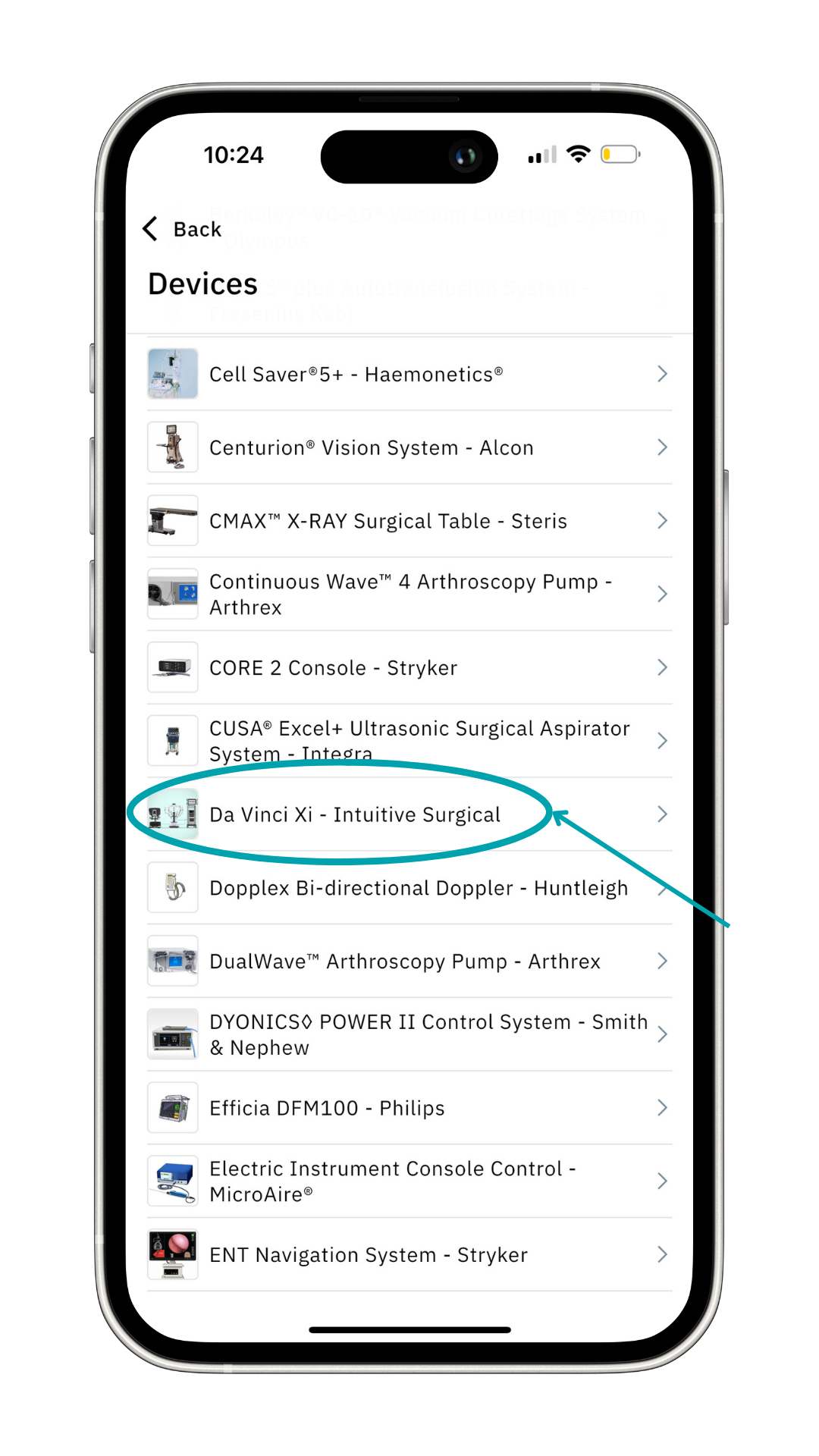
Here you’ll find information, photos, documents, and refreshers curated by Incision. 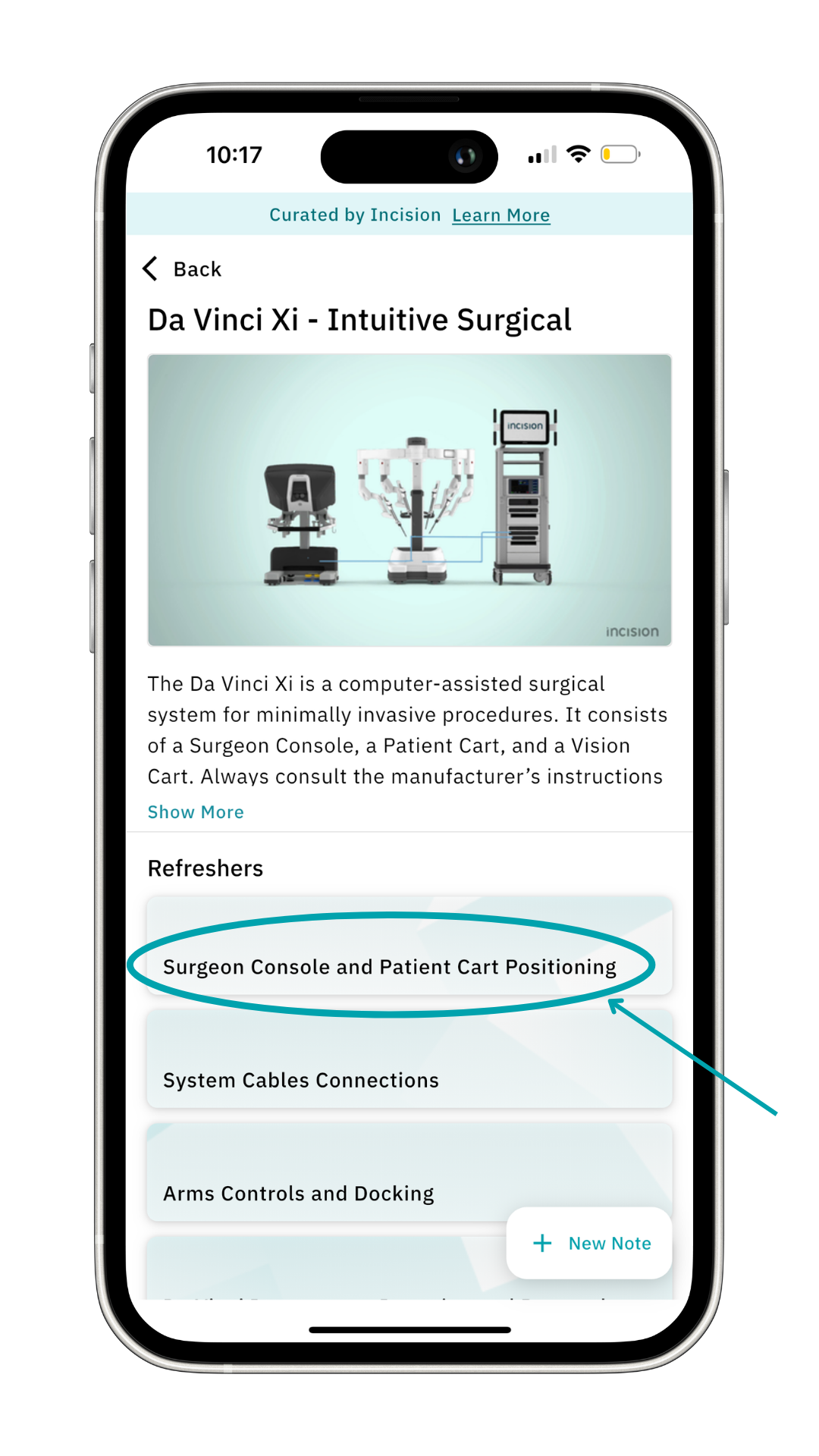
Select one of the refreshers to open the refresher. In the refresher, you can find:
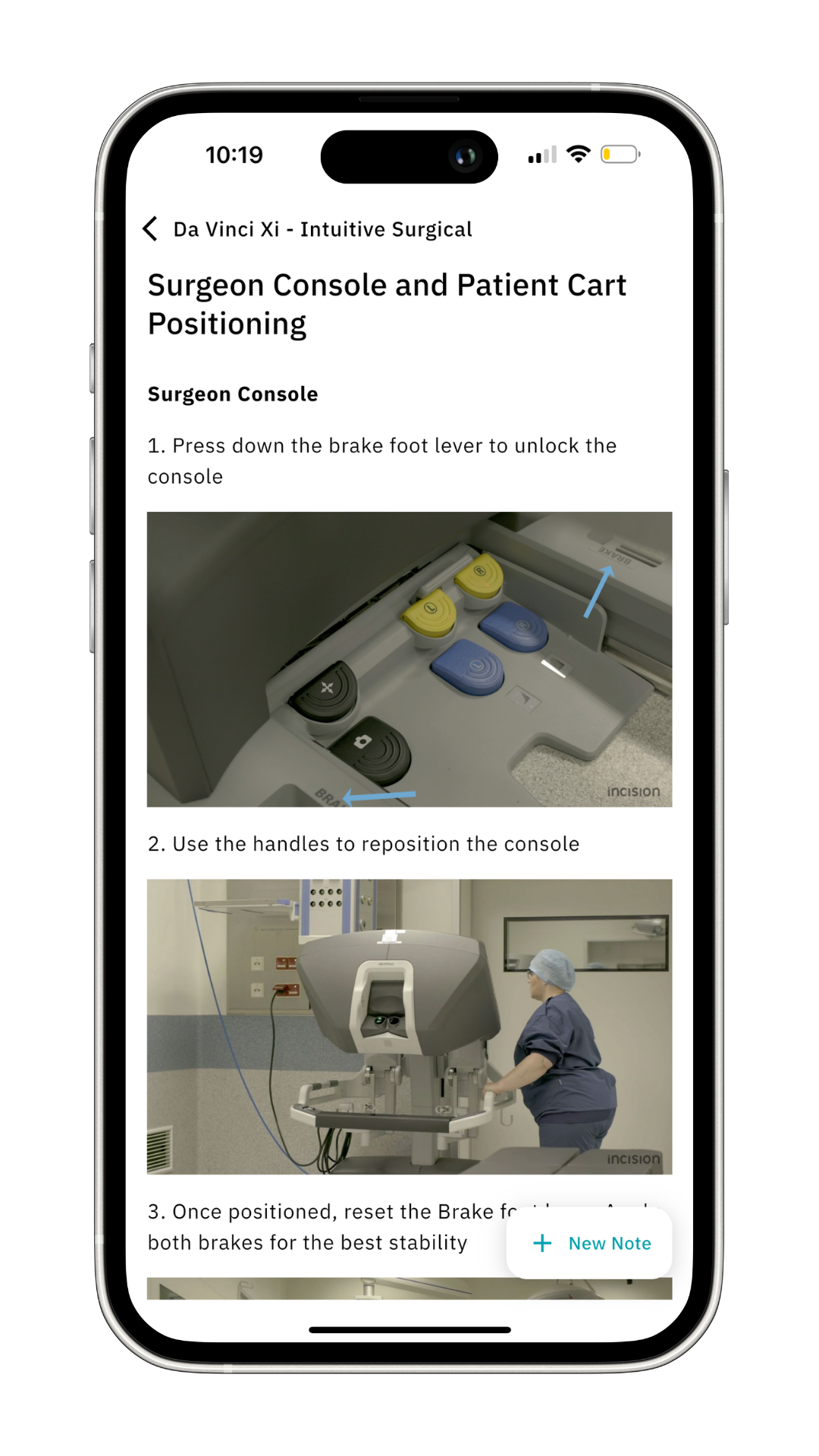
- Step-by-Step instructions: Each refresher provides detailed guidance on device setup and operation.
- Visual Aids: Detailed images help you easily understand complex steps.
- Additional Resources: Access to original manufacturer user manuals for more in-depth information and troubleshooting tips.
- Variety: Some devices may have only a few refreshers, while others offer 5 or more, covering everything from basic operation to advanced troubleshooting and cleaning instructions.
 Click on the arrow at the top-left twice to return to the Browse page.
Want to learn more? Check out our other guides on how to use Incision Assist!
Was this article helpful?
That’s Great!
Thank you for your feedback
Sorry! We couldn't be helpful
Thank you for your feedback
Feedback sent
We appreciate your effort and will try to fix the article