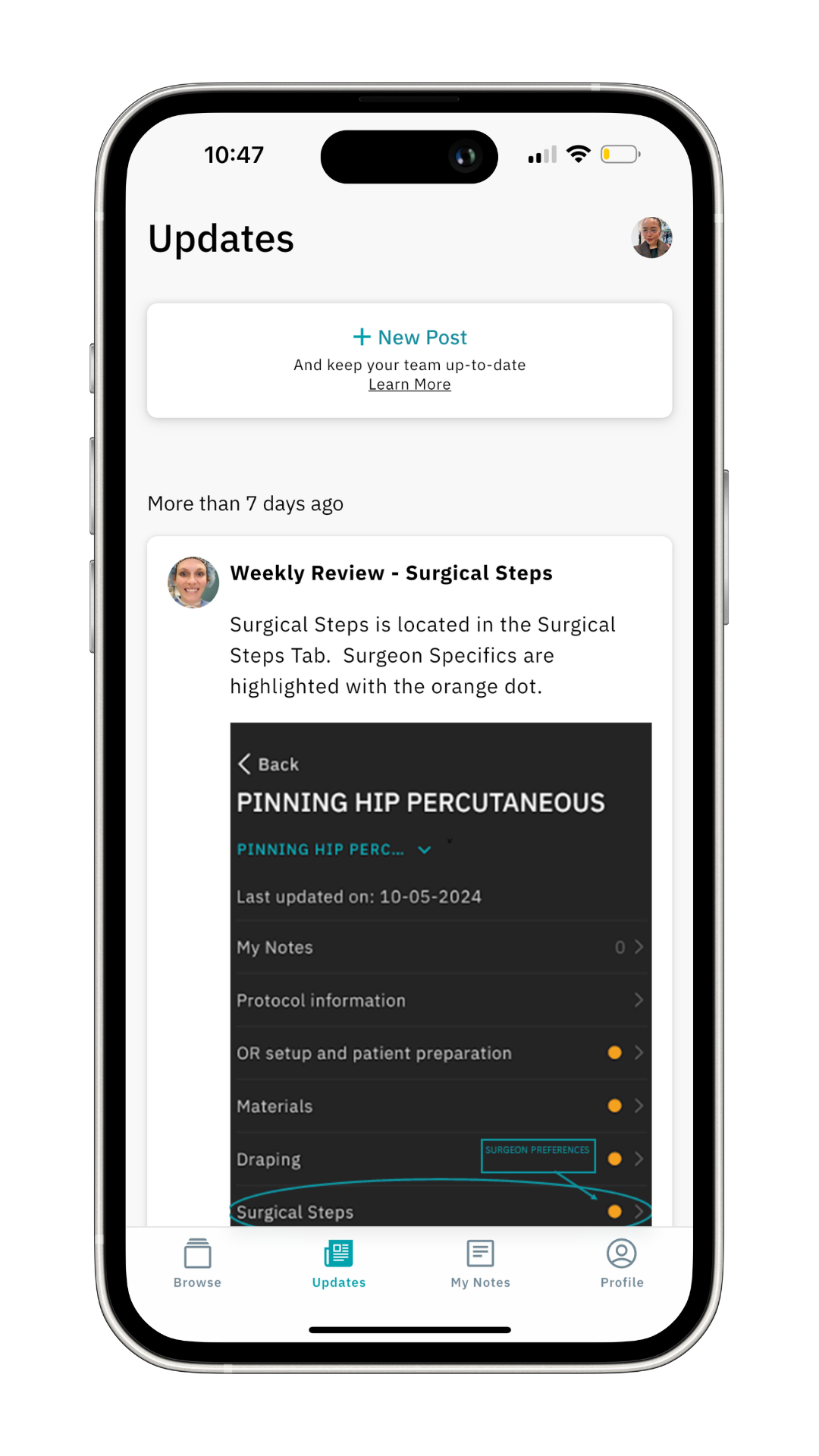
On this page, you will learn more about the Updates feed. Here, team leads and key-users can share updates that are important for you.
Simply click on Updates in the bottom bar of the page. When there are new posts in the Updates feed, you will see a red dot above the icon.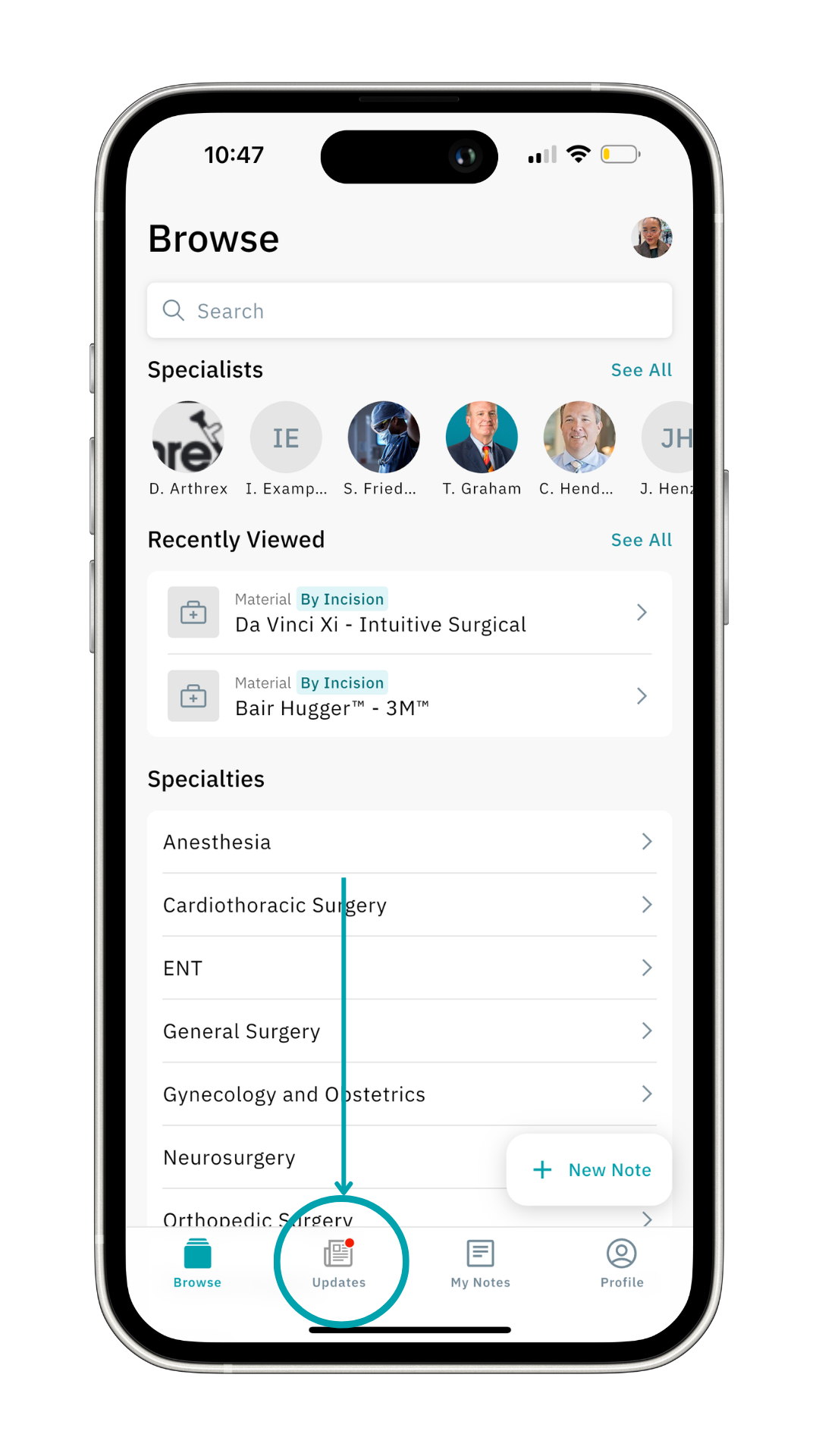
Here you’ll find posts crafted by your team lead or specialty leads, keeping you in the loop on everything from new materials to someone’s birthday.
Add Expressions to Your Post
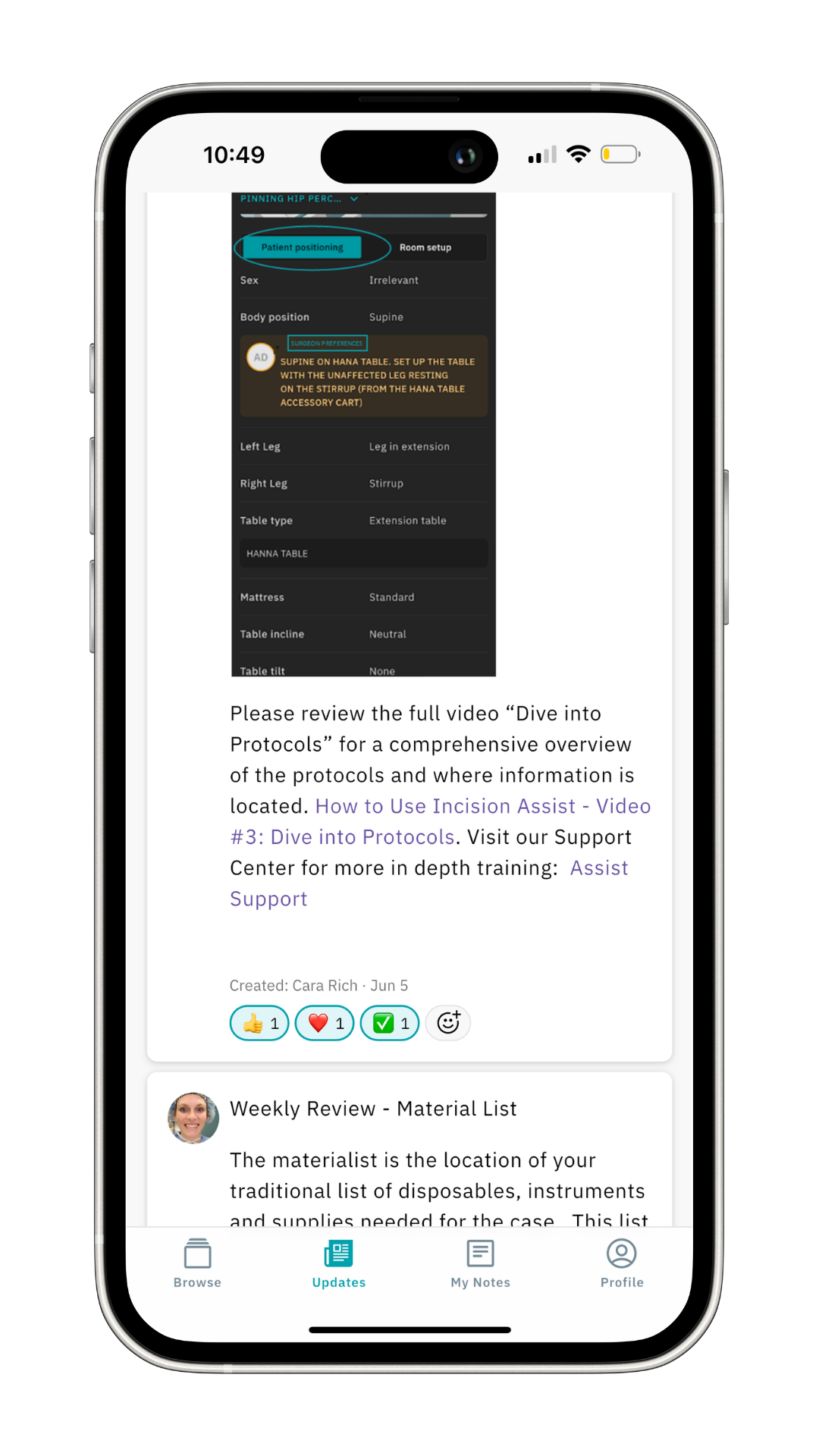
For extra expression, add some emoticons to your post by clicking the smiley face with the plus.
Check out our other articles for more tips and tricks on how to navigate the Incision Assist app.
Was this article helpful?
That’s Great!
Thank you for your feedback
Sorry! We couldn't be helpful
Thank you for your feedback
Feedback sent
We appreciate your effort and will try to fix the article